
CRM stands for customer relationship management. Said like that it sounds like something for a sales team in a tall office building, with targets and dashboards. In practice the idea is much simpler, and it fits a small business very well: keep everything you know about your customers in one place, so you can serve them better and sell to them again.
This guide explains what a CRM does in a normal week of a small business or food producer, when you can do without one, and what to look for if you decide you need it.
1. What a CRM actually does
At its heart a CRM is a list of your customers, and for each customer the story of what happened between you. Who they are and how to reach them. What they bought and when. What they asked for, what you promised, what is still open. Whether they paid.
The value is not in the list itself, it is in having it all in one place. When a shop rings to reorder, you can see in seconds what they took last time and at what price. When a customer has not ordered for two months, the CRM can tell you, instead of you noticing in spring that a good cafe quietly went elsewhere.
Big companies use CRMs mostly to follow sales leads. A small business usually needs something a little different: the customer card, yes, but connected to the daily work of orders, stock and invoices.

2. Why small producers need a different kind of CRM
Most well known CRMs are built for selling services or software: they follow a lead from first call to signed contract, and then their job is done. A small food or craft producer works the other way round. The same customers order again and again, through different channels: the online shop, a wholesale email, the Saturday market, a phone call from a regular.
For this kind of business, a CRM that knows only names and emails is half a tool. The useful version also knows:
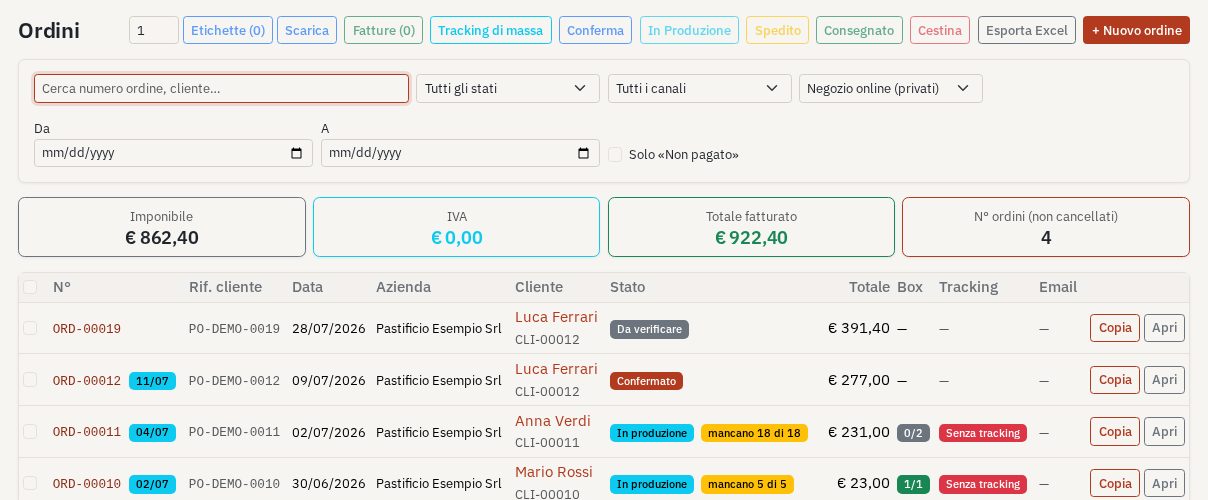
- the orders of each customer, from every channel, in one list;
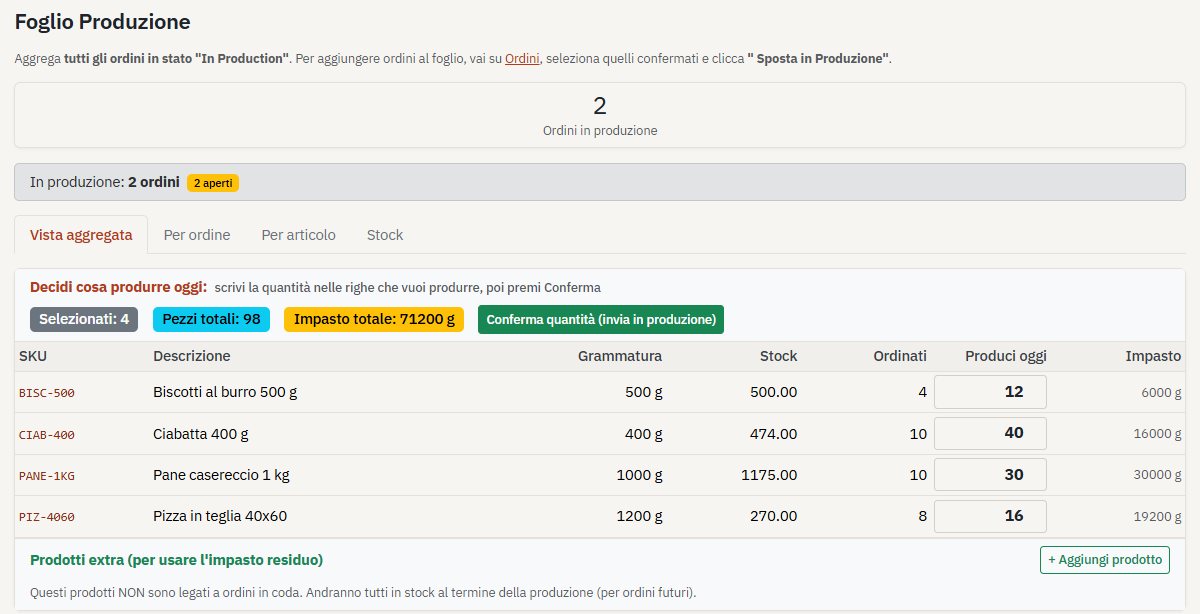
- the stock, so you can say yes or no to an order without walking to the shelf;
- the invoices and delivery notes, made from the order without typing it twice;
- the batches and dates, if you make food, so you know which customer received which batch.
That is why for small producers the words CRM, order management and business software end up meaning almost the same thing: one simple place for customers and everything they buy.
3. When a spreadsheet is still enough
You do not need a CRM on day one. If you have a handful of customers, one way of selling and one person doing the work, a well kept spreadsheet and your email are fine. Many good businesses run like that for years.
The signs that it is time to move on are practical ones. Orders arrive in more than one place and some get copied in late. You check the shelf before accepting an order. Two people edit the same file. Invoices are made in another program. You cannot quickly answer simple questions such as how much a customer bought this year, or what is still to deliver this week. When several of these are true together, a simple CRM will give you back hours every week.
4. What to look for in a simple CRM
- Easy to learn in an afternoon. If it needs a course, it was built for a bigger company.
- Customers and orders together, with every channel in the same list.
- Stock that updates by itself when orders are confirmed and batches are made.
- Invoices and delivery notes in one click from the order.
- A reminder of who to contact: regular customers who have gone quiet, people who bought before the last season.
- Room to grow: an online shop, production planning or marketing you can switch on later, without changing tool.
- A trial with your own data, so you judge it on your real week and not on a demo.
This is the idea behind Akiroa: a simple CRM and business app for small businesses and producers, with customers, orders, stock and invoices in one place, and the extra parts you switch on only when you need them. Whatever you choose, the test is the same: at the end of a busy week, did it save you time, or did it give you one more thing to keep up to date?